
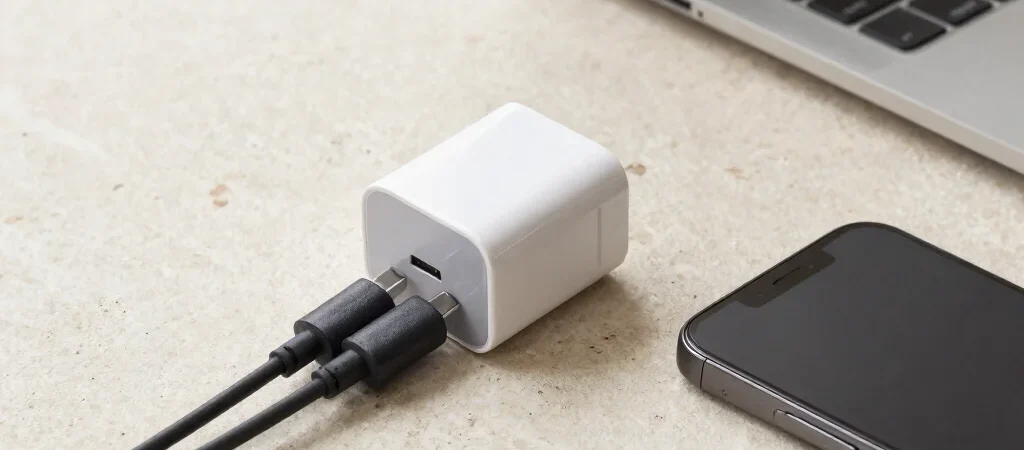
A compact charger is tempting when your work bag already holds a laptop, phone and a tangle of cables. But a USB-C port alone does not tell you whether an adapter is a suitable match for your devices. Compare the listed output and supported charging standards with the requirements for the particular phone, tablet or laptop you intend to use.
Match Output to Your Devices
Check the device maker’s charging guidance, then look for the charger’s output details in the product listing. If you want to charge more than one device at once, see whether the listing explains how power is shared across ports. Avoid assuming that the largest number in a headline applies to every port or every connected device.
Count Ports and Cables
A single-port adapter may be a tidy choice for a phone, while a multi-port model can reduce what you pack for a tablet and earbuds. Check whether the cable you need is included, and whether it supports the charging setup you have in mind. For a laptop, confirm both the charger and cable requirements against the manufacturer’s guidance rather than relying on a broad compatibility claim.
Read the Listing Carefully
Look for clear specifications, warranty terms and details about the product supplied, especially when comparing adapters with similar names or appearances. If a listing leaves an important compatibility question unanswered, pause and verify it before buying. PREEMAYRA may earn a commission when you use an affiliate link; we do not claim firsthand testing, and price and availability may change.